Smart Home Installation That Works the First Time
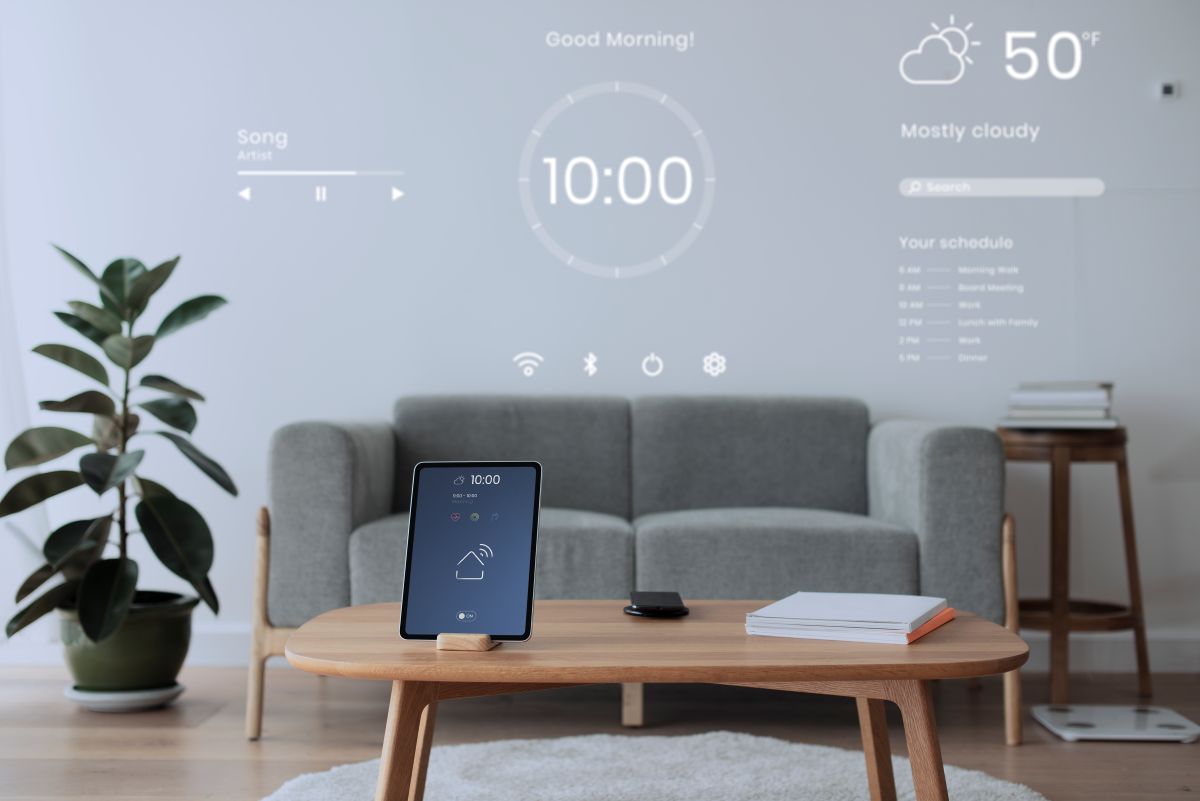
Smart home devices should make life easier—not create new headaches. AllPoint Home & Tech Services provides professional smart home installation, configuration, and troubleshooting to help your devices connect properly, stay reliable, and work together in one ecosystem. Whether you’re starting with a single device or building a complete setup, we’ll help you get it done cleanly and correctly.
Smart home services we commonly provide
- Video Doorbells (installation, app setup, motion zones, notifications)
- Security Cameras (placement planning, mounting, configuration, recording settings)
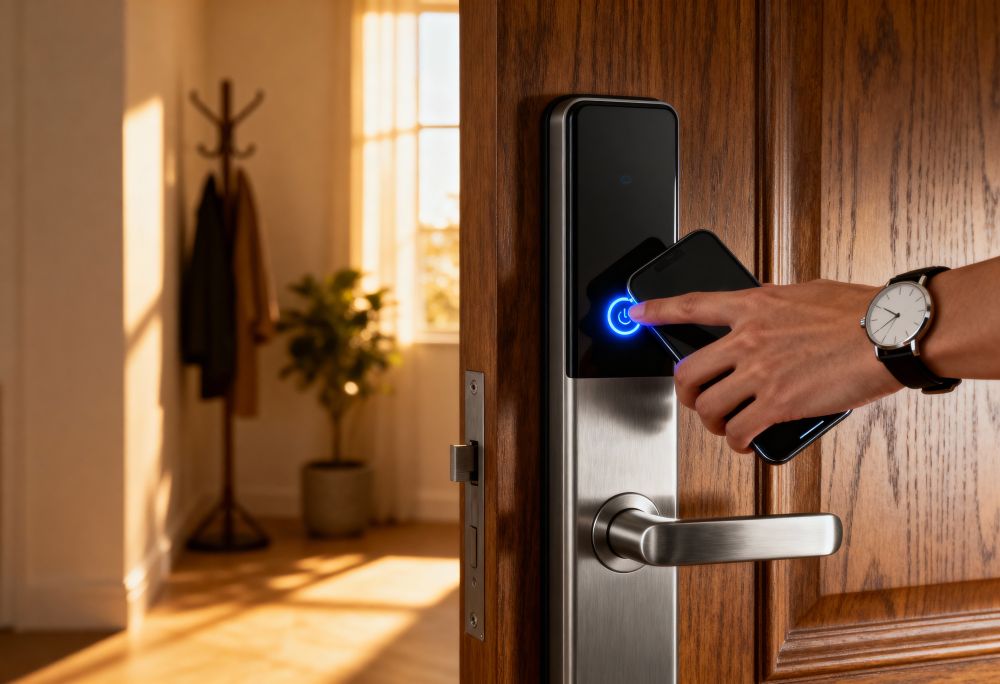
- Smart Locks (installation, calibration, codes/users, remote access setup)
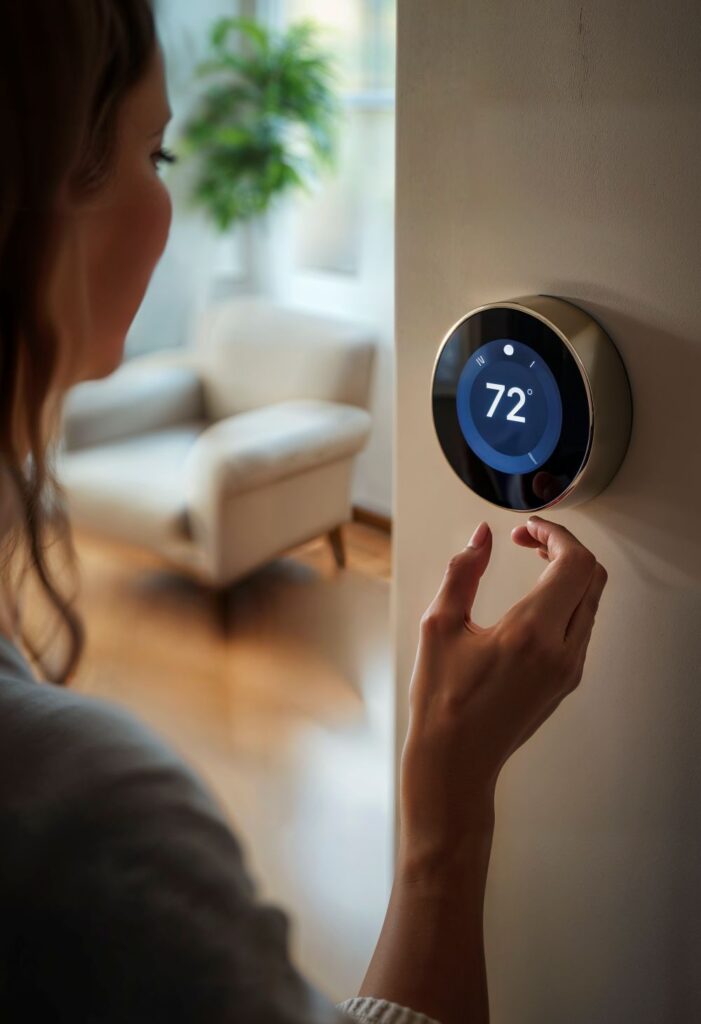
- Smart Thermostats (install, configuration, scheduling, comfort settings)
- Smart Lighting (switches/dimmers, bulbs, scenes, automations)
- Smart Sensors (leak sensors, contact sensors, motion sensors)
- Garage Door Controllers (setup, safety checks, app configuration)
- Smart Speakers/Displays (voice assistant setup and home control)
- Device Integration (connect devices into a single app when possible)
- Automation & Routines (ex: “Goodnight,” “Away,” motion-triggered lights)
- Have something else? If it’s powered or plugs in, we can usually help set it up, connect it, and bring it to life.
Ecosystems We Support
We can help you choose and configure a system that fits your devices and comfort level:
- Amazon Alexa
- Google Home
- Apple Home / HomeKit (when compatible)
We’ll also help reduce app overload by consolidating where possible, so you’re not juggling five different apps for basic control.
Brands We Work With
We work with many popular smart home brands and platforms, including (not limited to): Ring, Nest, Ecobee, Eufy, Arlo, Wyze, TP-Link/Kasa, Lutron, Leviton, Schlage, Yale, August, and more.
How Smart Home Installations Work
Plan the Setup
We confirm placement, power needs, Wi‑Fi coverage, and the best way to keep everything clean and reliable.
Install + Configure
We mount devices securely, connect them properly, update firmware, configure settings, and integrate with your smart home app.
Test + Train
We verify everything works (live view, alerts, codes, schedules) and show you how to use it confidently.
Smart Home Packages
1) Smart Home Starter (2 devices) — Starting at $449
Includes install + app setup for two smart devices (ex: lock + doorbell, thermostat + camera), basic integration into Alexa/Google/Apple (when compatible), firmware updates, testing, and a short walkthrough.
Add-on: each additional device +$125–$175
2) Smart Security Starter (Doorbell + 1 Camera) — Starting at $649
Includes doorbell + camera placement guidance, mounting, app setup, motion zones, notification tuning, recording settings, and verification (live view/alerts).
Add-on: each additional camera +$175–$250
(Wired power runs / complex mounting quoted separately.)
3) Comfort & Control (Smart Thermostat + Automation) — Starting at $399
Includes thermostat installation/setup (where compatible), Wi‑Fi/app connection, schedules, efficiency settings, and basic automation guidance (geofencing if supported and desired).
Add-on: additional thermostat +$249–$349
4) Lighting Upgrade (2 switches/dimmers + scenes) — Starting at $499
Includes installation of up to two smart switches/dimmers (compatible setup), app configuration, naming, grouping, and 2–3 scenes/routines (Kitchen, Movie Time, Goodnight).
Add-on: each additional switch/dimmer +$149–$199
Things to keep in mind
- These “starting at” prices assume existing wiring/power is suitable and devices are compatible.
- Any work that requires a licensed trade/permit (new circuits, in-wall power changes, etc.) will be quoted separately or partnered out.
- Long Travel Fees may be applicable
Get In Touch
-
Serving Western Nevada, Placer, Sacramento, Yuba & Sutter Counties
-
Mon - Sat 9:00 AM - 5:00 PM
Popular Smart Home Projects
- “Install a smart doorbell and set up motion alerts properly”
- “Add a smart lock and create codes for family and guests”
- “Stop camera disconnects by improving Wi‑Fi coverage”
- “Set up a thermostat schedule for comfort and efficiency”
- “Create simple routines like Away/Home/Goodnight”
- “Connect everything into one platform instead of multiple apps”
Customer Prep Checklist
To speed up your install, it helps to have:
- Your Wi‑Fi name and password
- Any required login credentials (Amazon/Google/Apple accounts, device apps)
- Devices unboxed and on-site (unless you want purchase guidance)
- A quick note of any problem areas (weak Wi‑Fi, old doorbell chime issues, etc.)
Frequently Asked Questions
Do you install devices I already purchased?
Yes. We’re happy to install customer-supplied devices and configure them properly.
Can you help me choose what to buy?
Yes. During a free phone consult, we can recommend options that fit your goals, budget, and compatibility needs.
My smart device keeps disconnecting—can you fix that?
Often, yes. Many smart home problems are actually Wi‑Fi/coverage issues. We can diagnose the cause and recommend improvements (router placement, mesh systems, settings, etc.).
Will you show me how to use everything?
Absolutely. We include a quick walkthrough so you feel comfortable using the app, alerts, routines, and settings.
Can you make multiple devices work in one app?
When compatible, yes. We’ll help consolidate into Alexa, Google Home, or Apple Home to simplify control.
Do you offer ongoing help?
Yes. If something changes (new phone/router/password) we can provide follow-up support and adjustments.